Photographs
We all have a lot of photos.
Most of them are ones we’ve taken since the advent of the modern mobile phone, but there’s also all the ones we took with digital cameras, or scanned from photographs, that sit on hard drives and in apps like Photos. Lots are on websites like Flickr.
Flickr? Those were the days.
The rest are analogue, bits of paper in albums and shoeboxes hiding in the corner somewhere.
I can’t help but feel that the way we store, view and archive our photos has hit a bit of a glass ceiling. They’re digital, yes, and they have lots of useful metadata, like timestamp and location and even automatic detection of who and what they contain. But… then what?
Photos on Mac and iOS - Flickr and Google Photos too - can do lots of useful things, like generate “memories”, organise by location and time, as well as albums and sets and collections and the rest. Most people probably sidestep all of this and go straight for Instagram, which obviously optimises for a totally different social angle.
Photos in Lifespan
Photos are like everything else, in that they exist in time. This means they can be thought of as spans with a photo attached, rather than a photo with a timestamp.
As soon as you do this, you can start to add connection spans between the photo and other things.
photo Xstarted on the date it was taken, and is ongoingphoto Xlocated inplacephoto Xfeaturesthing Y
This then lets us do things like this:
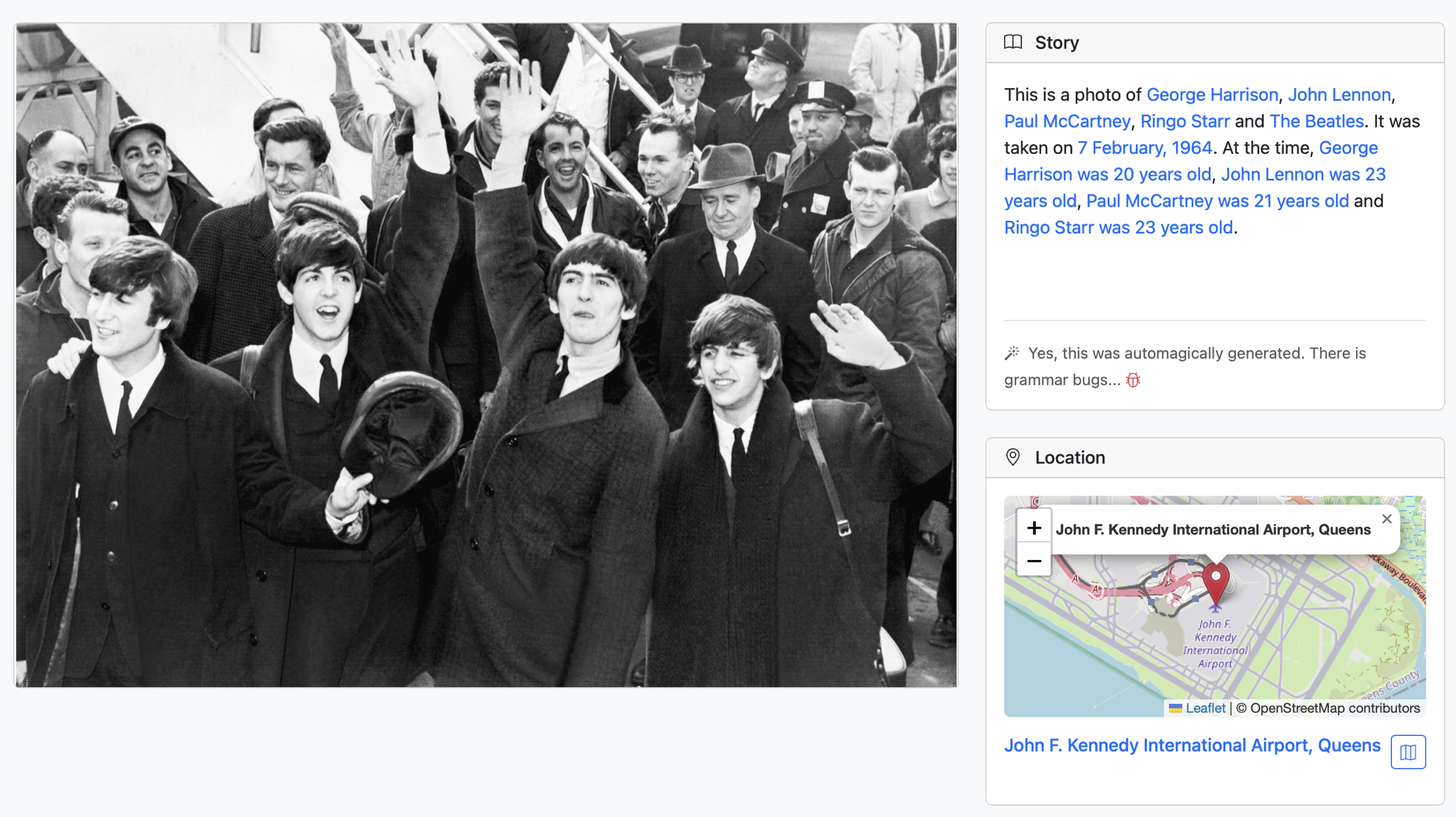
In other words, we can import photographs and then display them at the right time relative to the people or other things in the picture.
There’s more to say about this.